Multiple Site File Transfer Protocol
Abstract
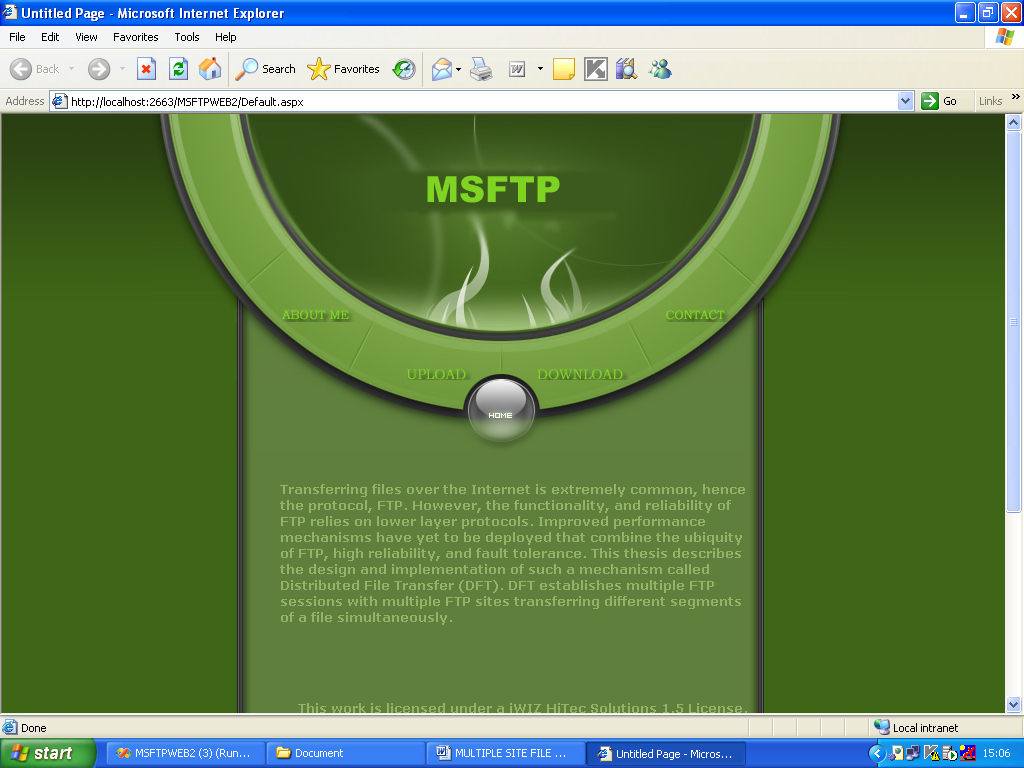
Transferring files over the Internet is extremely common, hence the protocol, FTP. However, the functionality, and reliability of FTP relies on lower layer protocols. Improved performance mechanisms have yet to be deployed that combine the ubiquity of FTP, high reliability, and fault tolerance.
This thesis describes the design and implementation of such a mechanism called Distributed File Transfer (DFT). DFT establishes multiple FTP sessions with multiple FTP sites transferring different segments of a file simultaneously. It switches to other servers if some server becomes overloaded or unavailable. A Load Distributing Server in DFT collects server information and distributes load among multiple servers. Experiments presented show that DFT is both reliable and efficient.
In This project we focus parallel file transfer to multiple sites. We applied existing parallel file transfer methods and evaluated their performance. Simulation results showed that two mechanisms are effective. The first is site selection according to measured transfer rate. The second is block transfer in which a file is divided into blocks of fixed-size and each site transfers blocks of the number according to the transfer rate.
PROJECT DESCRIPTION
MULTIPLE SITE FILE TRANSFER PROTOCOL
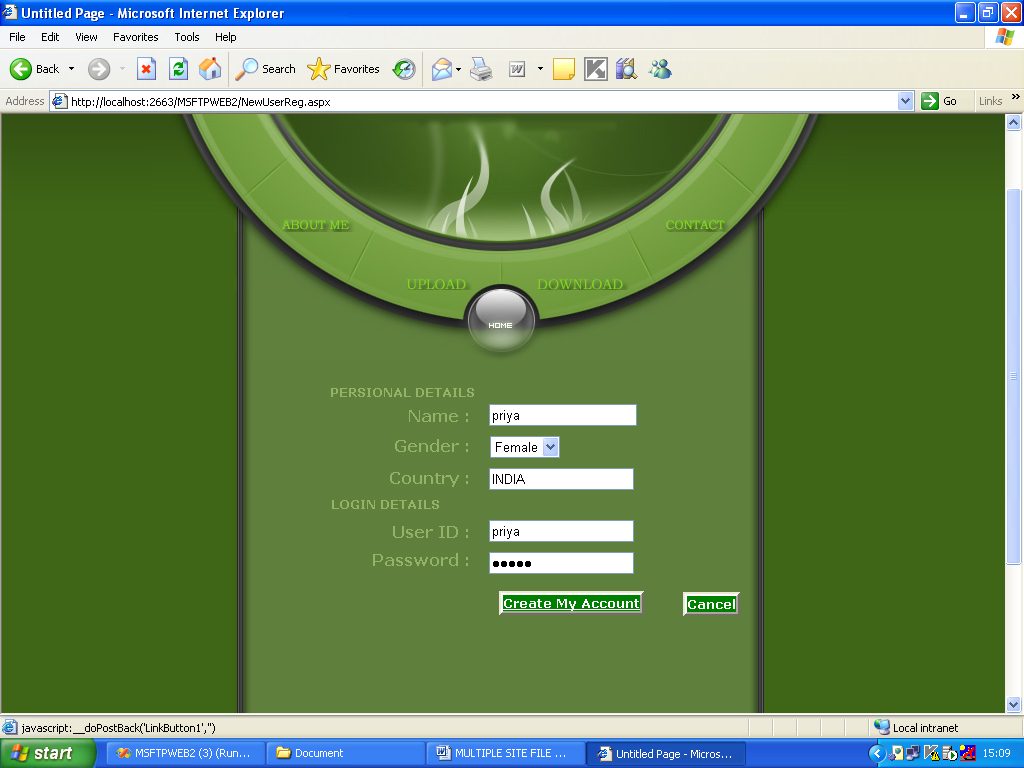
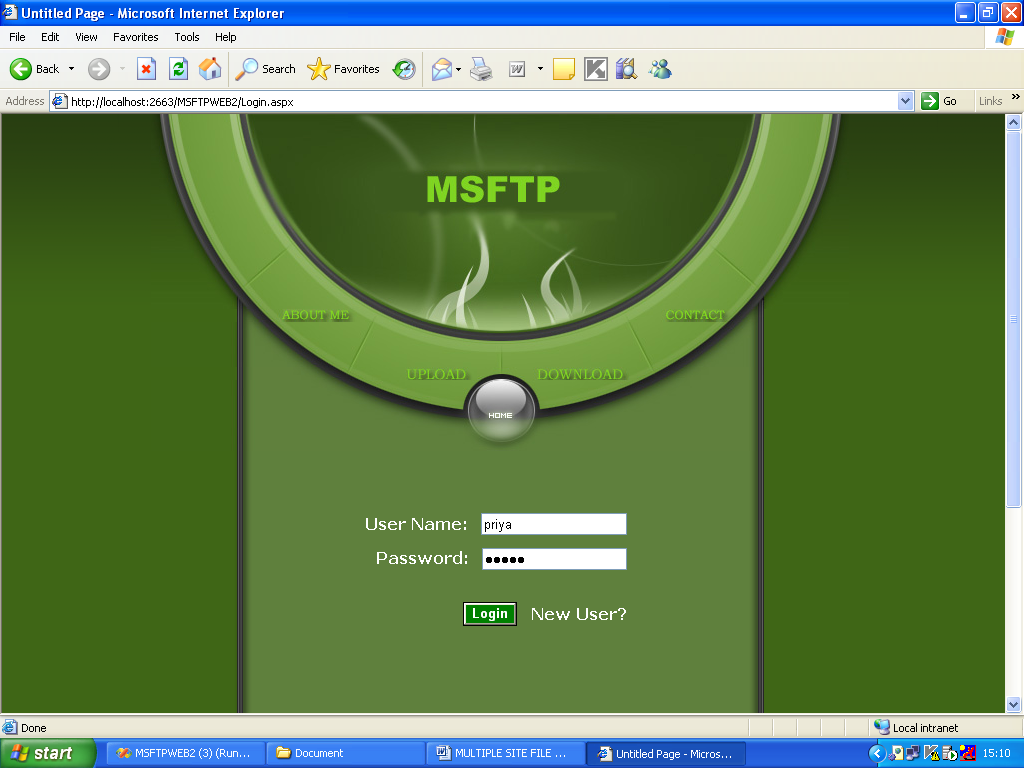
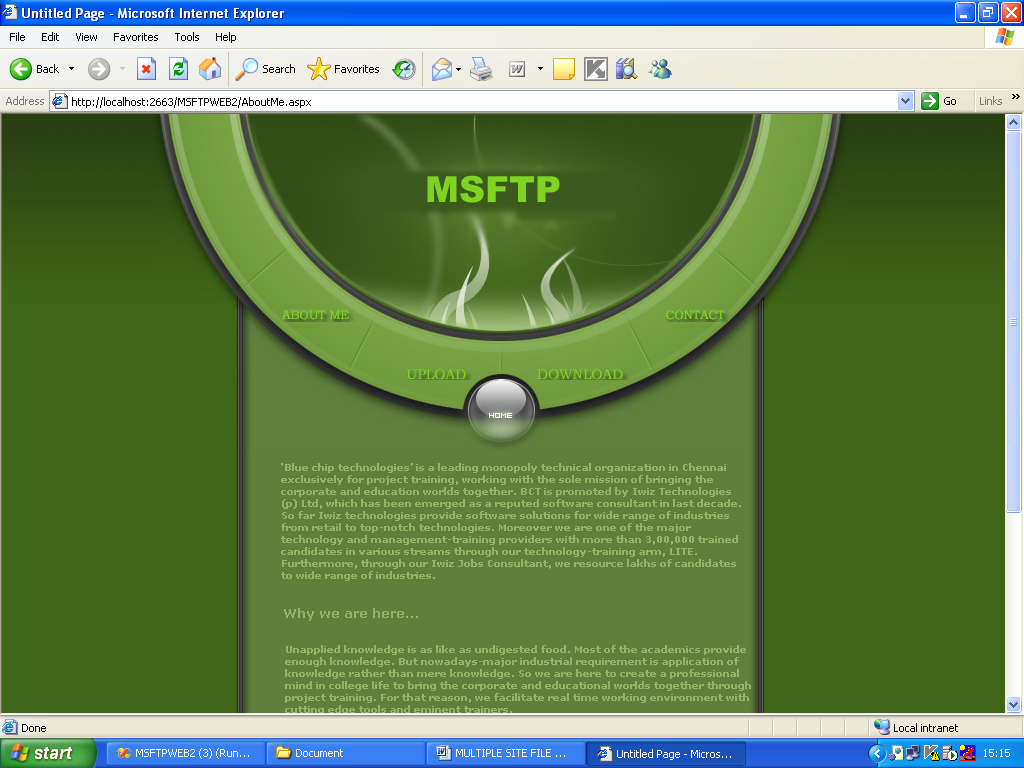
The system “MULTIPLE SITE FILE TRANSFER PROTOCOL” is developed to work in the front-end as file transferring system. In this we can upload/download files. User can register then upload, download and list the files in FTP. File Transfer Protocol, or MSFTP, is a protocol used for transferring files from one computer to another – typically from your computer to a web server. FTP is the preferred method of exchanging files because it’s faster than other protocols like HTTP or POP. If you need to exchange large files, you should consider MSFTP.
MSFTP data is sent and received through computer port 21 and under the TCP protocol. The transfer is asynchronous, meaning not at the same time and therefore faster than other protocols.
The multiple site file transfer protocol contains four main modules. Those modules are
Register
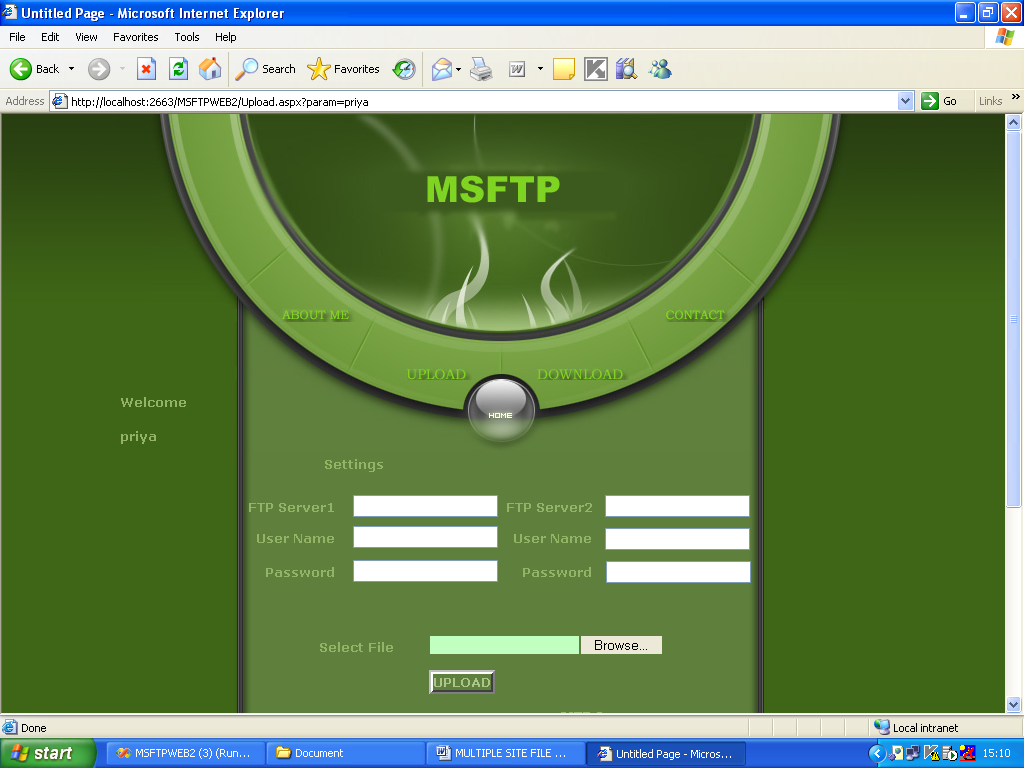
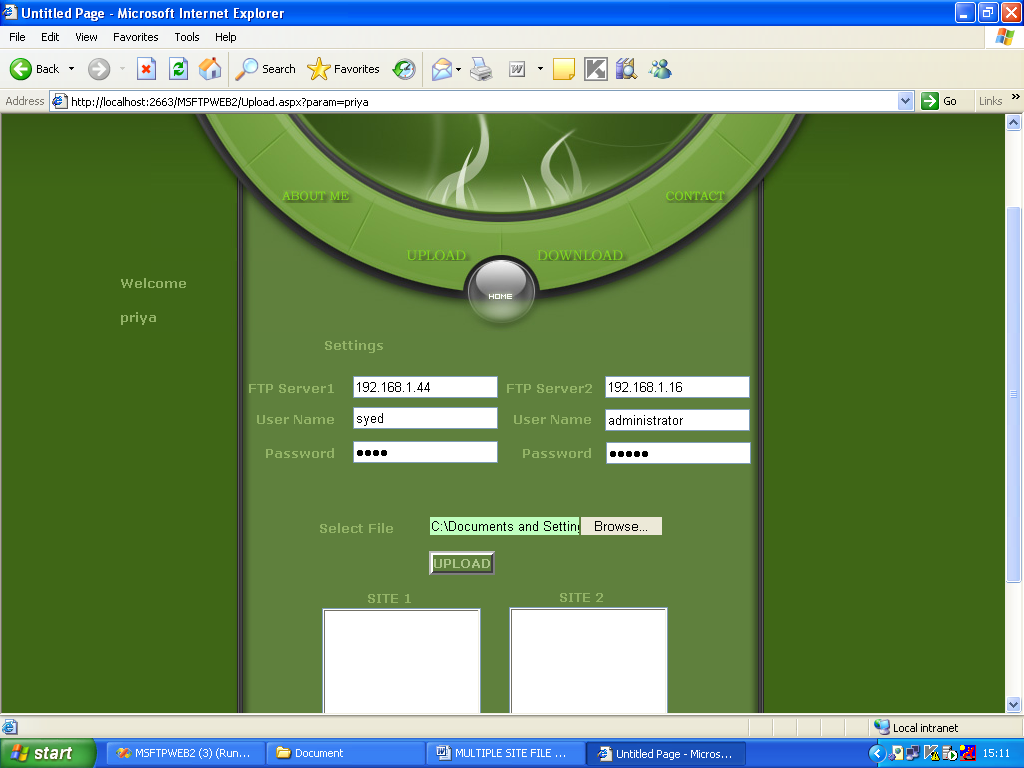
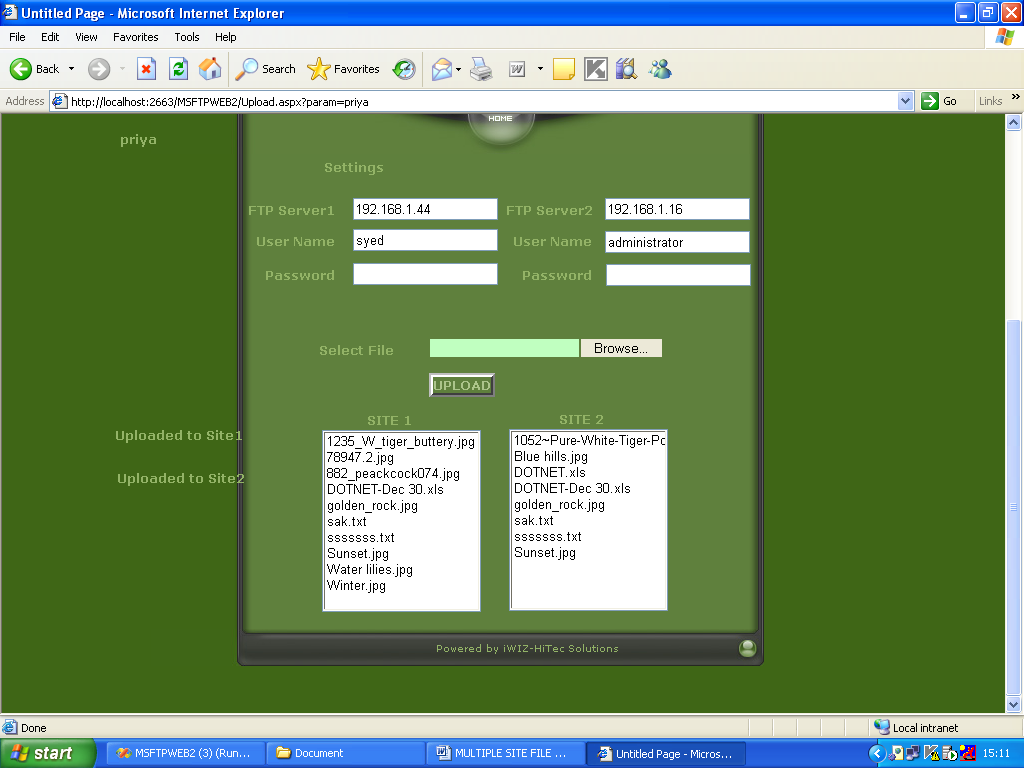
Upload
Here we first set the FTP authentication for remote site to upload files.
Upload File:
Here we select the file and upload to multiple sites parallely.
Login
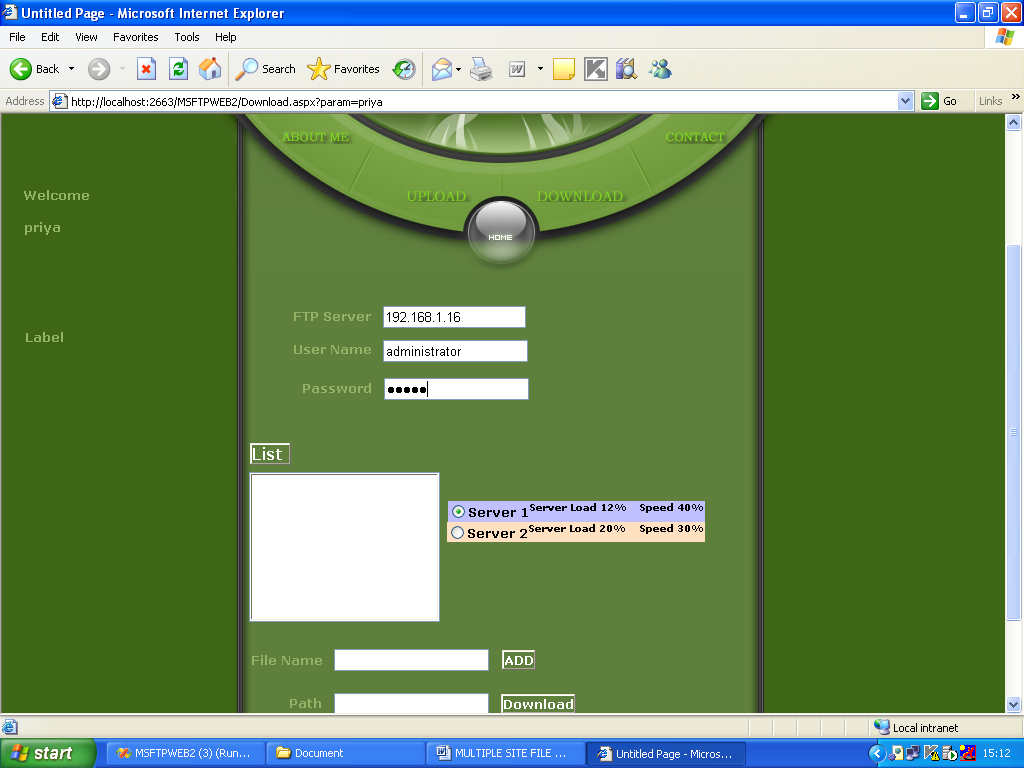
Download
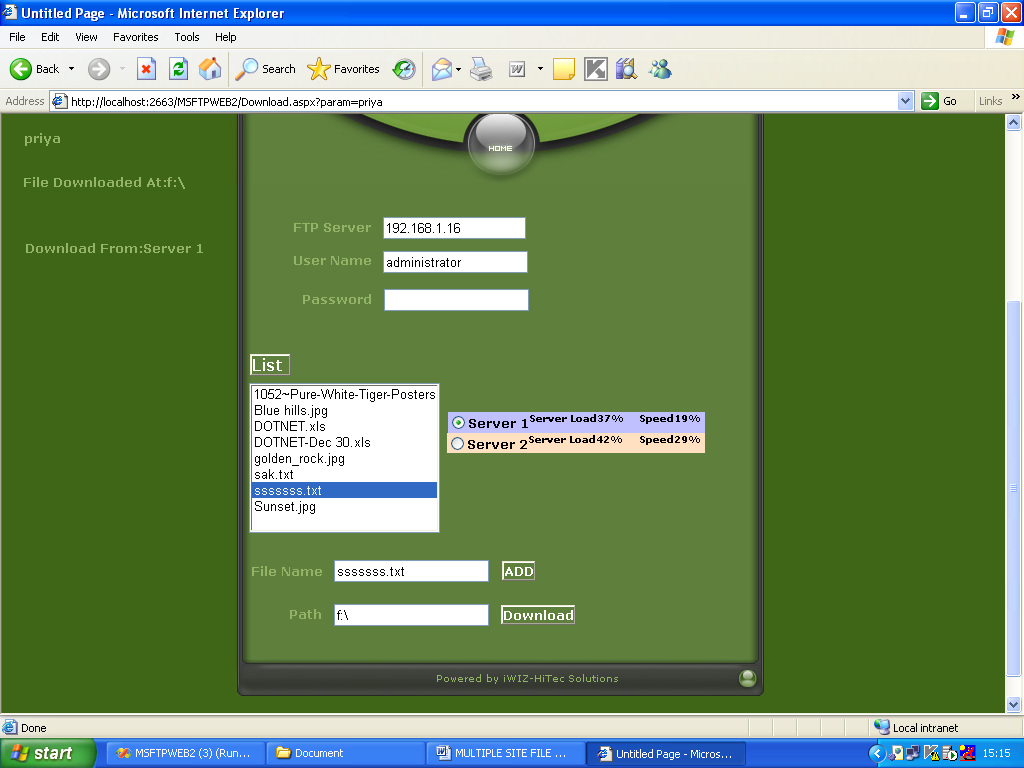
Here we first set the FTP authentication for remote site to download files.
List:
Here we can list files in the remote site to select for download. Download File:
Here we select the file from list and download to local machine.
EXISTING SYSTEM
No Distributed File Transfer
Maintenance of single FTP session only
No file segmentation process and
No Load Distribution process.
PROPOSED SYSTEM
Here we are going to upload a file to multiple sites simultaneously to save the time and roundtrip of file upload process and we can select any site and easily download a file from remote site. Multiple site upload process
Distributed File Transfer
Maintaining multiple FTP sessions
HARDWARE CONFIGURATION
RAM : 128 MD SD RAM
MONITOR : 15” COLOR
HARD DISK : 20 GB
FLOPPY DRIVE : 1.44 MB
CDDRIVE : LG 52X
KEYBOARD : STANDARD 102 KEYS
MOUSE : 3 BUTTONS
SOFTWARE CONFIGURATION
ENVIRONMENT : Visual Studio .NET 2005
.NET FRAMEWORK : Version 2.0
LANGUAGE : C#.NET
FRONT END : ASP.NET
BACKEND : SQL SERVER