Packet Transmission In A Network
Abstract
The project “Packet transmission in a network” is designed using Microsoft Visual Studio.Net 2005 as front end and Microsoft SQL Server 2000 as backend which works in .Net framework version 2.0. The coding language used is C# .Net.
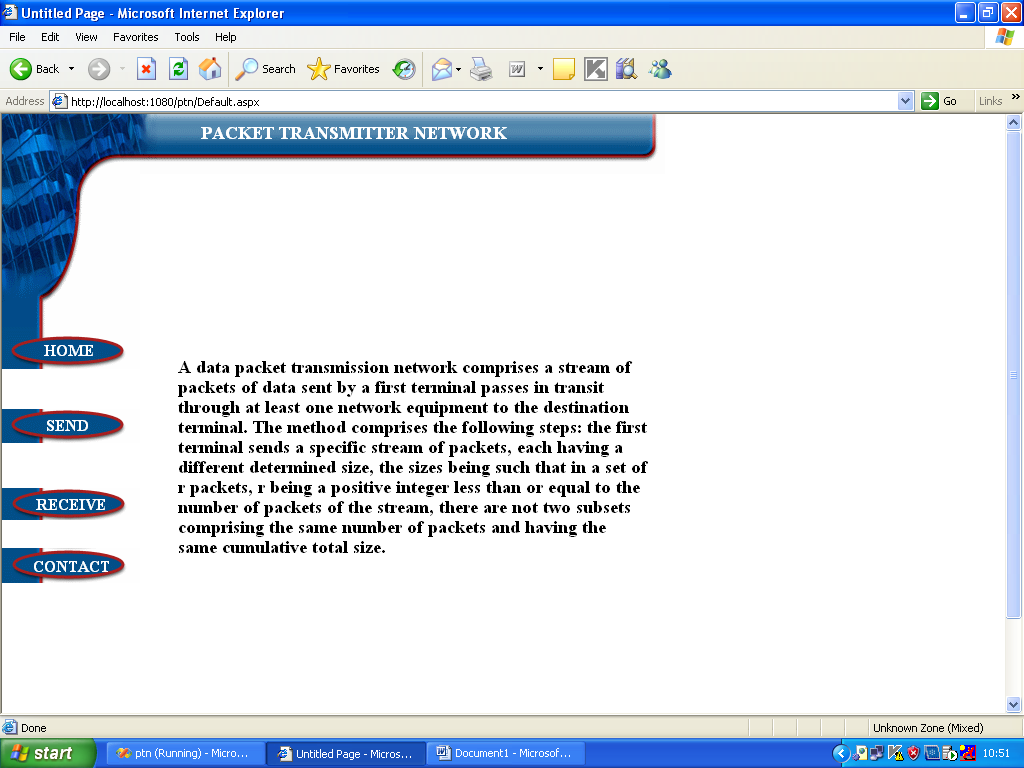
A data packet transmission network comprises a stream of packets of data sent by a first terminal passes in transit through at least one network equipment to the destination terminal. The method comprises the following steps: the first terminal sends a specific stream of packets, each having a different determined size, the sizes being such that in a set of r packets, r being a positive integer less than or equal to the number of packets of the stream, there are not two subsets comprising the same number of packets and having the same cumulative total size.
The packets are transferred through an intermediate terminal to the destination terminal. After reaching the destination the packets are rearranged to get the original data. Thus packets are correctly transferred to the intended destination.
PROJECT DESCRIPTION
PACKET TRANSMISSION IN A NETWORK
The multiple site file transfer protocol contains four main modules. Those modules are
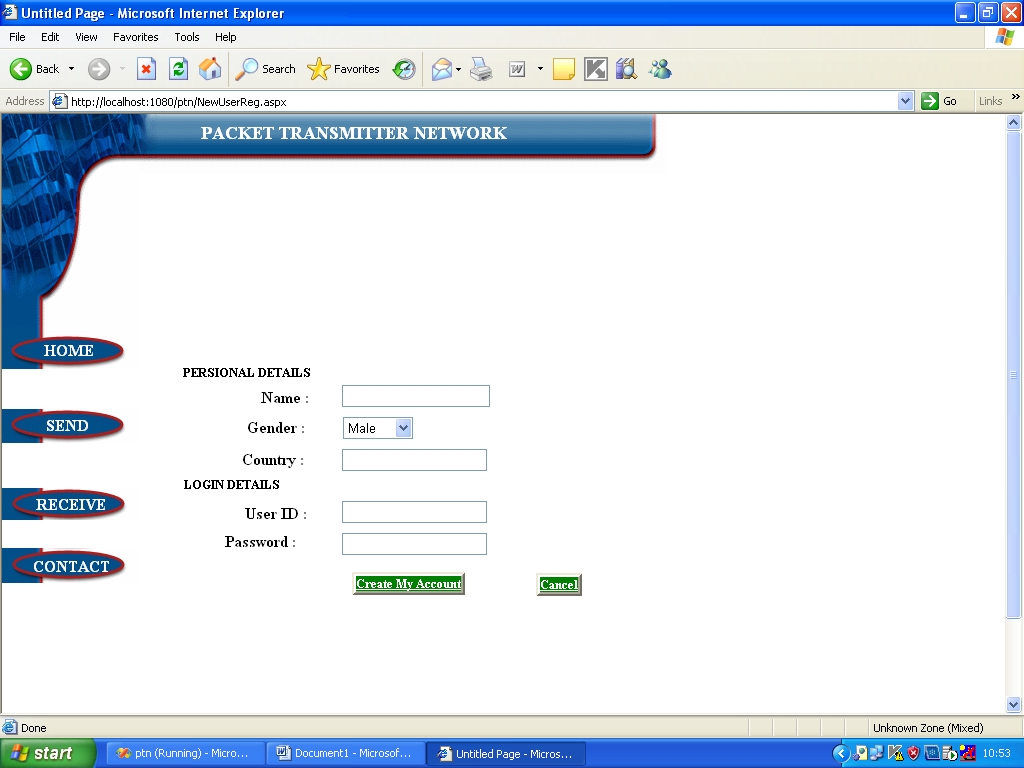
Register
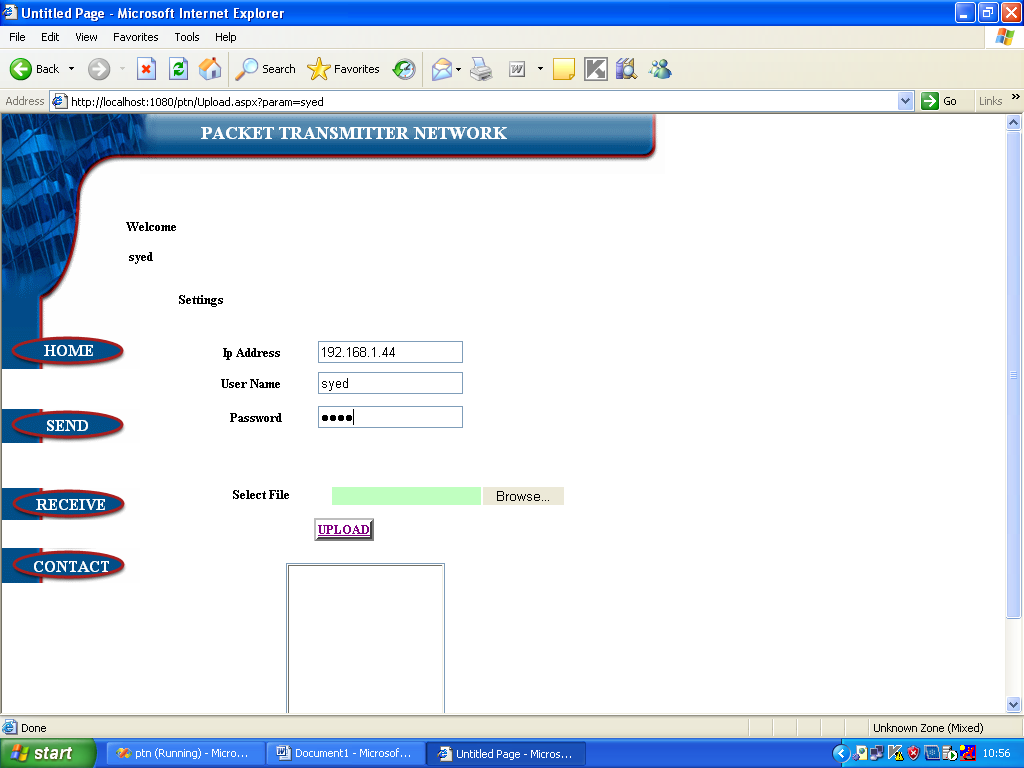
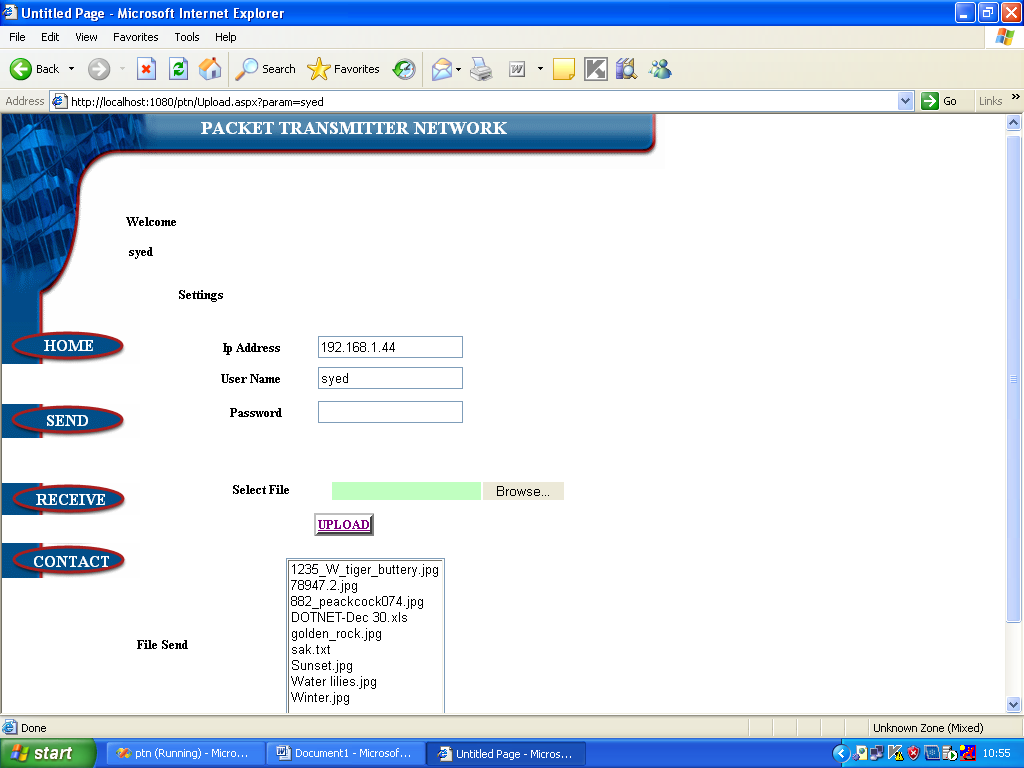
Upload
Here we first set the FTP authentication for remote site to upload files.
Upload File:
Here we select the file and upload to multiple sites parallely.
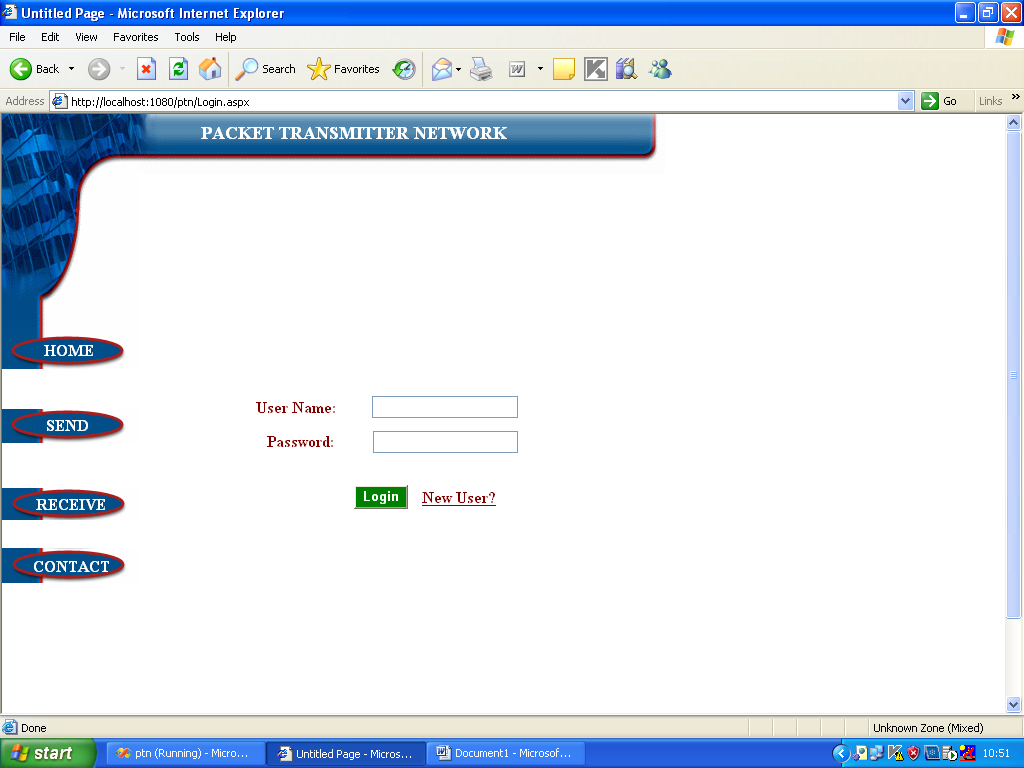
Login
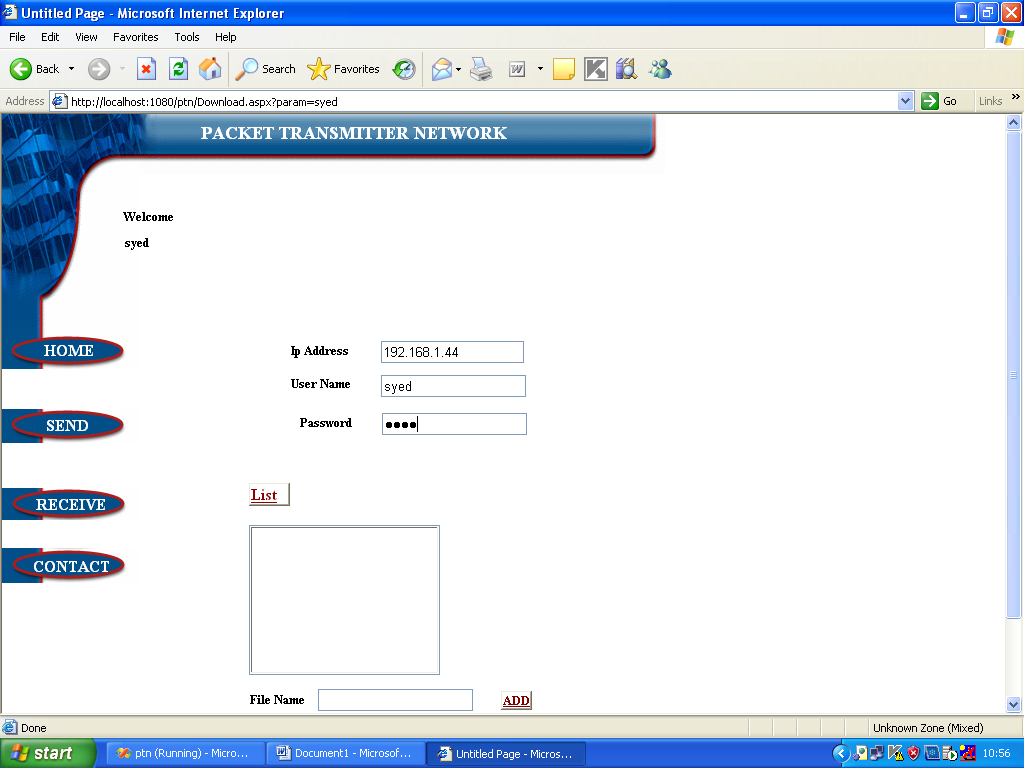
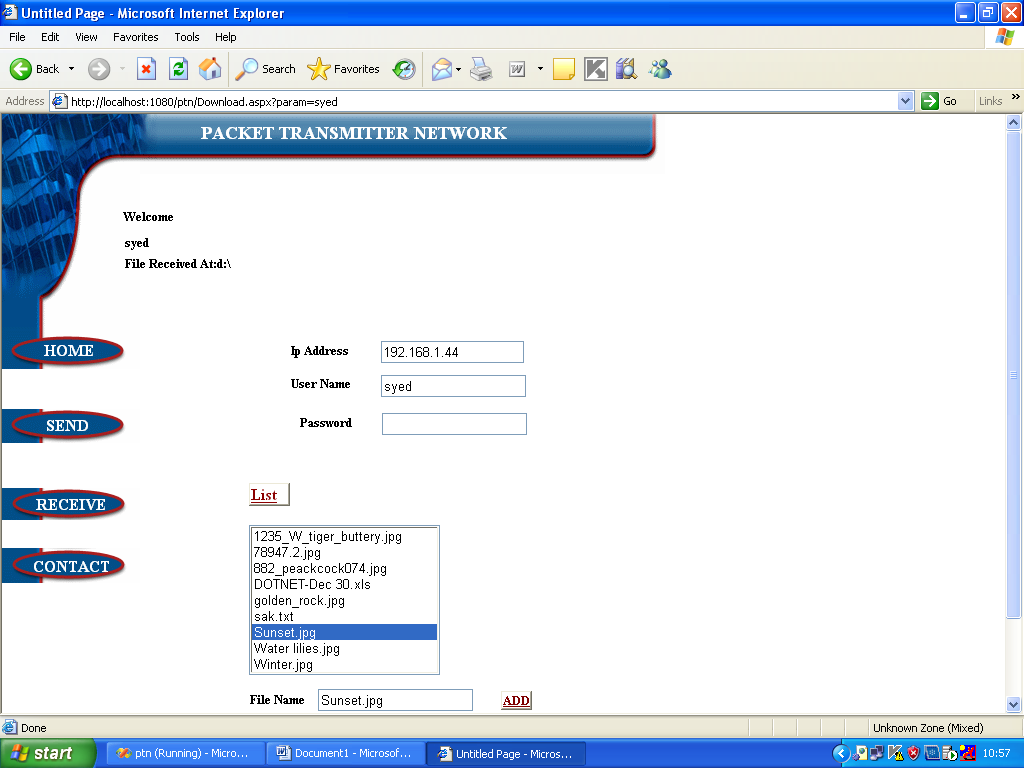
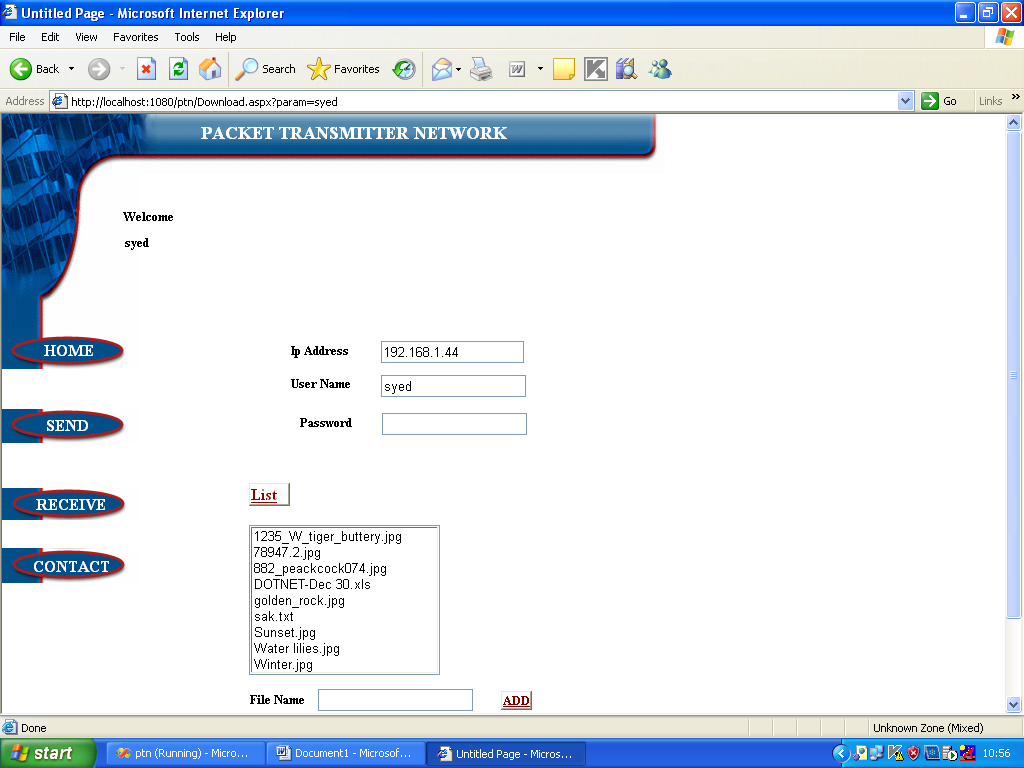
Download
Here we first set the FTP authentication for remote site to download files.
List:
Here we can list files in the remote site to select for download. Download File:
Here we select the file from list and download to local machine.
EXISTING SYSTEM
No Distributed File Transfer
Maintenance of single FTP session only
No file segmentation process and
No Load Distribution process.
PROPOSED SYSTEM
Here we are going to upload a file to multiple sites simultaneously to save the time and roundtrip of file upload process and we can select any site and easily download a file from remote site. Multiple site upload process
Distributed File Transfer
Maintaining multiple FTP sessions
HARDWARE CONFIGURATION
RAM : 128 MD SD RAM
MONITOR : 15” COLOR
HARD DISK : 20 GB
FLOPPY DRIVE : 1.44 MB
CDDRIVE : LG 52X
KEYBOARD : STANDARD 102 KEYS
MOUSE : 3 BUTTONS
SOFTWARE CONFIGURATION
ENVIRONMENT : Visual Studio .NET 2005
.NET FRAMEWORK : Version 2.0
LANGUAGE : C#.NET
FRONT END : ASP.NET
BACKEND : SQL SERVER